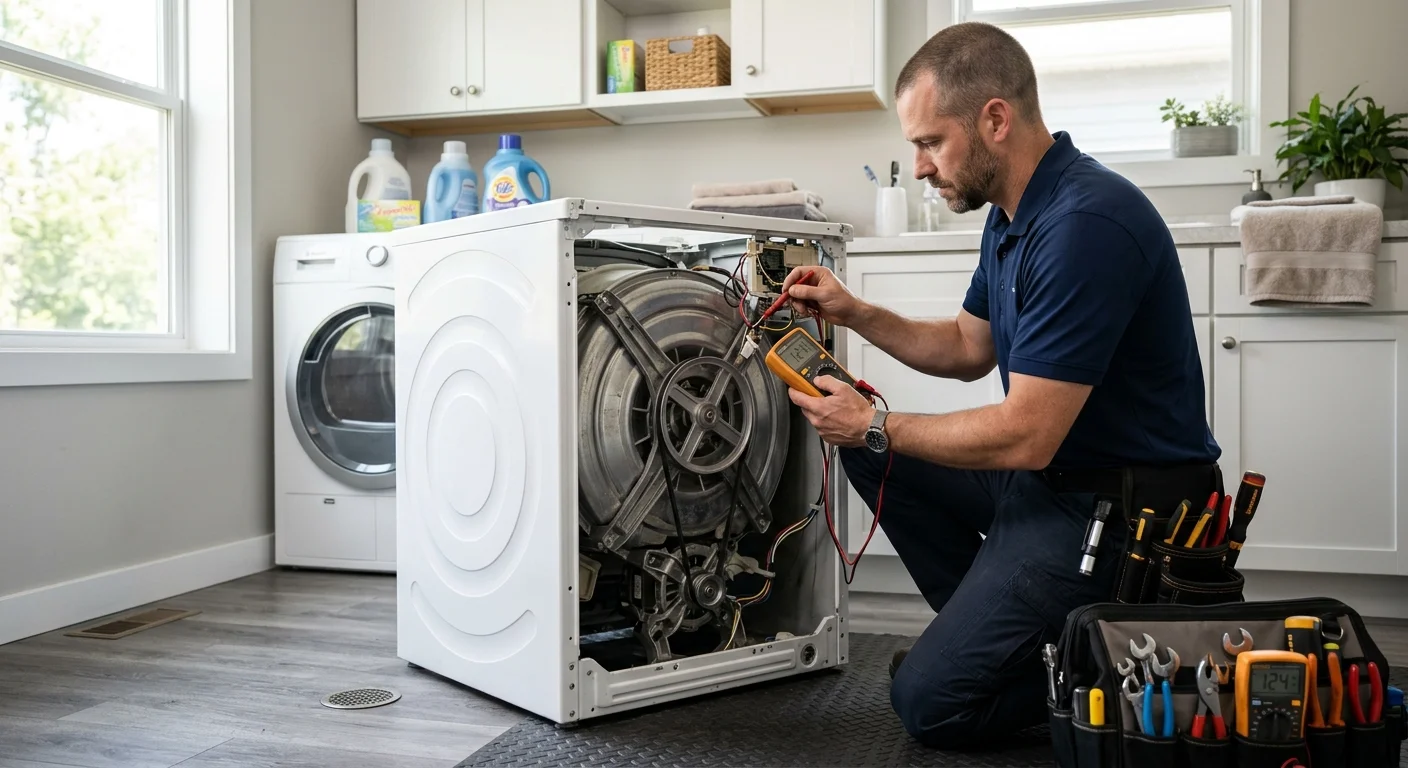
An LG washer that won’t spin may still fill, tumble, or drain. For LG washing machine repair, the useful first step is identifying exactly where the cycle changes. That detail helps a technician separate load and drainage issues from model-specific faults.
Confirm the model and exact spin symptom
Don’t start by guessing which part failed. “Won’t spin” can describe several different behaviors. Each one sends the diagnosis in a different direction.
First, record the complete model number. LG’s model and serial number guide places the front-load label behind the door, on the panel around the drum opening. A top-load label may be on the back or side. Locations can vary by model, so check the owner’s manual when the label isn’t obvious.
Next, describe what actually happens:
- The drum never moves during washing or spinning.
- The washer tumbles but never reaches its final spin.
- Water remains inside when the cycle stops.
- The washer drains, but the clothing stays unusually wet.
- The drum starts spinning, stops, and tries again.
- A message, symbol, or code appears on the display.
Note the selected cycle and the type of load. Record whether the symptom happens with every load or only bulky pieces. Don’t erase an error code before photographing it. Also note any new sound and the point when it begins.
Model details matter because controls, cycle names, and internal layouts differ. A button sequence found for another LG washer may not apply to yours. The exact symptom and model give the matched technician a cleaner starting point than a suspected part name.
What owners can observe without opening the washer
Start with the clothing. A single heavy item can settle on one side. Sheets and bulky pieces can also gather unevenly. LG’s current drum-not-spinning guidance tells owners to redistribute an uneven load before trying the cycle again.
Check the selected cycle too. Some settings may use a lower spin speed. Other selections may stop after washing without completing a normal drain and spin sequence. Read the display, then compare the selection with your model’s manual. Don’t assume every LG control panel works the same way.
Look through the drum for visible coins, buttons, or other loose objects. Don’t remove panels or reach into hidden openings. A photograph can help the technician identify where an object appears trapped.
With the washer idle, press lightly at opposite top corners. Movement can show that the machine isn’t sitting evenly. Note whether the unit rocks, but leave adjustments alone when it’s stacked, confined, or difficult to reach.
Watch one cycle from a normal viewing position. Listen for draining before the expected spin. Note whether the door or lid indicates that it’s locked. Record whether the timer pauses, changes, or continues counting.
Access information also helps. A stacked washer inside a Mission Valley condo closet presents different working space than a freestanding unit in an Escondido garage. Tell the pro about a pedestal, stairs, gated parking, or a locked laundry room before the visit.
How drain and control symptoms narrow the issue
Water location is one of the clearest observations. A washer that stops with water inside has a different symptom than one that drains fully but never accelerates. The remaining water doesn’t prove that the pump failed. The restriction could involve the washer’s drain path, an accessible filter on some models, the hose, or the home’s drain.
Inspect only the visible portion of the drain hose. Note any sharp bend, compression, or standing water around the connection. Don’t pull a stacked or tightly installed washer forward just to see behind it. Our guide to a washer that won’t drain explains why drainage deserves separate attention.
Control behavior adds another layer. Photograph the complete display instead of copying one character from memory. Some letters and numbers look similar. Our LG washer error-code guide can help you organize what appeared, but a code isn’t a final component diagnosis.
Also record what happens after Start is pressed. Does the door or lid appear to lock? Does water enter? Does the washer make several short movement attempts? Does it drain before stopping? These observations help distinguish a no-start complaint from a true no-spin problem.
Avoid trying reset instructions from an unrelated video or model. A power cycle may clear the display without correcting the condition that stopped the washer. Follow only the reset or test sequence in the manual for your exact model. If the manual’s basic checks don’t restore normal spinning, keep your notes for the technician.
What technicians inspect during diagnosis
An independent technician should confirm the complaint before recommending a repair. The inspection starts with the same facts you collected: model number, cycle, load behavior, remaining water, display information, and sound.
The technician may then check several systems in order:
-
Cycle and load conditions. The pro confirms that the selected program calls for a spin and that the load can balance correctly.
-
Washer placement. The technician checks whether the cabinet sits evenly and whether the floor or installation allows unwanted movement.
-
Drainage. The inspection can include the visible hose, model-specific filter access, drain flow, and pump operation. This helps separate an appliance restriction from a household drain issue.
-
Door or lid sensing. The washer needs the correct closed and locked feedback before continuing through certain cycle stages. The technician checks the model’s locking system and related connections.
-
Drum and drive movement. The pro observes resistance, movement, and unusual sounds. The exact parts differ between front-load and top-load designs, so the model determines what gets inspected.
-
Controls and wiring. When the mechanical and drainage checks don’t explain the symptom, the technician can test model-specific connections and control outputs.
This sequence prevents a visible symptom from being treated as proof of one failed part. A drainage problem, uneven load, sensing issue, drive fault, or control problem can produce overlapping behavior.
For broader brand-specific service information, see our LG appliance repair guide for San Diego. Repair Pro San Diego makes the referral. The independent technician performs the diagnosis and any approved repair.
When to request LG washer repair
Request professional washing machine repair when the washer still won’t spin after the owner’s manual checks. It’s also time to request help when water remains, the same code returns, the door or lid won’t behave normally, or the washer repeatedly stops before final spin.
Have the model number, symptom notes, and display photos ready. Mention whether the problem happens with every cycle. Tell the technician if the washer is stacked, mounted on a pedestal, or installed inside a narrow closet. Those details help the pro prepare for the actual installation.
Repair Pro San Diego connects homeowners across San Diego County with insured independent technicians. For inland North County service context, our Escondido appliance repair guide explains how the local referral process works.
California appliance repair businesses must register with the Bureau of Household Goods and Services. You can check a service dealer through the state’s Department of Consumer Affairs lookup. Ask the matched technician about their diagnostic fee and whether it’s credited toward the repair. The matched technician diagnoses first and quotes in writing before work begins.
When to call us
A persistent no-spin problem needs professional diagnosis when model-specific owner checks don’t resolve it. Call (858) 988-7787 to leave a voicemail requesting a match with a local appliance repair pro.