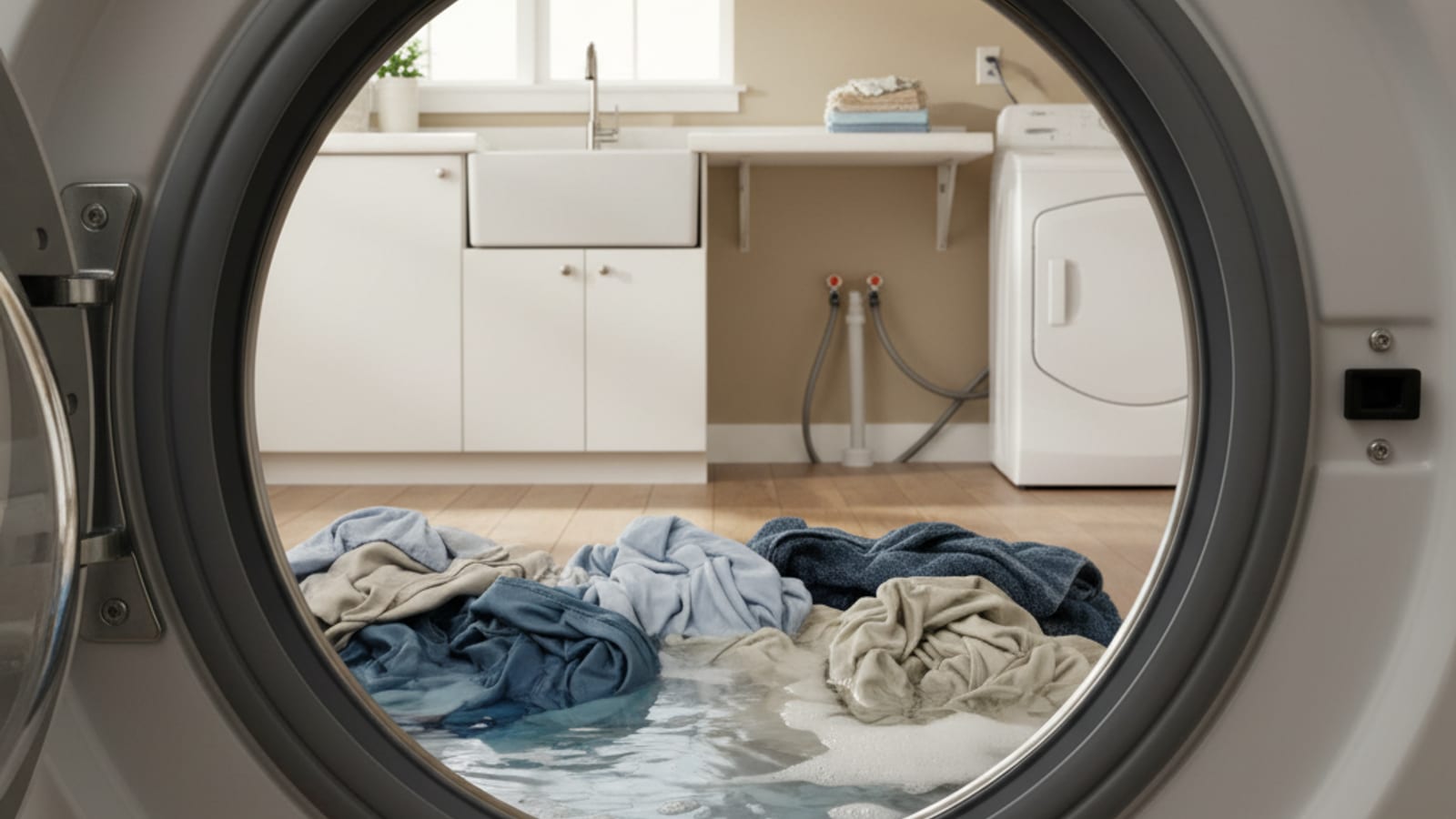
A washing machine that won’t drain may have a clogged pump filter, a kinked hose, a failed pump, a lid switch or door lock that will not allow drain, or a brand-specific drain code. Those are possibilities, not a 60% DIY statistic. Start at #1. Stop before removing panels or disconnecting internal hoses.
1. Reset the cycle
Press “cancel” or “drain and spin” if the control offers it, to force a drain. If water leaves, the cycle may have been interrupted. If the drain cycle runs and water still sits, keep going.
2. Check the drain hose for kinks
Look behind the washer without disconnecting the hose. If you can see a bend or crush, straighten what is visible. Do not pull the machine out if that means stressing a gas line or ripping the drain out of a standpipe. Photograph a hidden run for the technician.
3. Check the standpipe or utility sink drain
If the hose empties into a standpipe, slow drainage there can be plumbing, not the washer. Plumbing Pro SD handles drain lines across the county. For a utility sink, check the sink drain first.
4. Clean the drain pump filter (when the manual shows it)
Many front-load washers have a drain filter behind a small access panel. Open it only as the owner’s manual describes, with a pan underneath. Coins, hair ties, and lint are common finds. Top-loaders often have no user filter. Skip this step if the book does not show one.
5. Internal sump hose and panels
If the visible hose is fine and the owner filter is clear, the clog may be in a short hose between the drum and pump. That usually means removing a panel. Stop. Do not disconnect the sump hose.
6. Drain pump symptoms to report
A grind during drain, a click with no water movement, or silence when the pump should run are notes for the technician. Do not time the job or price the pump here.
7. Lid switch (top-loaders)
On some top-loaders the lid switch must close before drain and spin. Press the lid firmly only if the manual describes that check.
8. Error codes
Codes are brand-specific. F9, OE, 5E, and F02 appear on some lines as drain-related. Look up the exact brand and code on the manufacturer’s tree. Do not treat them as cross-brand universals.
The shut-off list
If the washer still will not drain:
- Unplug it.
- Shut off both supply valves (clockwise).
- Leave standing water for the technician unless the manual says to bail it.
- Do not loop forced drain cycles on a pump that may already be failed.
Service calls, without invented splits
There is no approved 40/20/15/10/10/5 breakdown of drain jobs. Ask the technician about their diagnostic fee and whether it’s credited toward the repair.
Call us at (858) 988-7787 to leave a voicemail for a match.
Washing machine repair covers major brands, including appliance repair in Del Mar.
Frequently asked questions
Why won’t my washing machine drain?
Possible reasons include a packed front-load filter, a kinked hose, a failed pump, or a lid lock. Work through the owner steps above, then stop.
What error code means the washer won’t drain?
Use the manufacturer’s chart for your brand and model. Shared letter codes are not a network standard.
How do I force my washer to drain?
Use cancel or drain-and-spin if the control has it. If water remains, the problem is mechanical.
Can a clogged filter stop a washer from draining?
Yes, on machines that have an owner-accessible pump filter.
Is a washer that won’t drain worth repairing?
That depends on the diagnosis and the written quote. This site does not use a 50% replacement rule or a 10-year cutoff.