A KitchenAid dishwasher that is not draining needs a recorded water level and any display code. A clogged filter, check valve, or drain pump can be involved. Those are not confirmed until the technician says so. Do not detach the drain hose or punch a disposer knockout.
KitchenAid is built by Whirlpool, so it shares the same drainage platform as Whirlpool and Maytag. That’s good news. The parts are familiar, the failure points are predictable, and the fixes are well understood. Below is how to find the problem and decide what you can handle at home.
How a KitchenAid drains
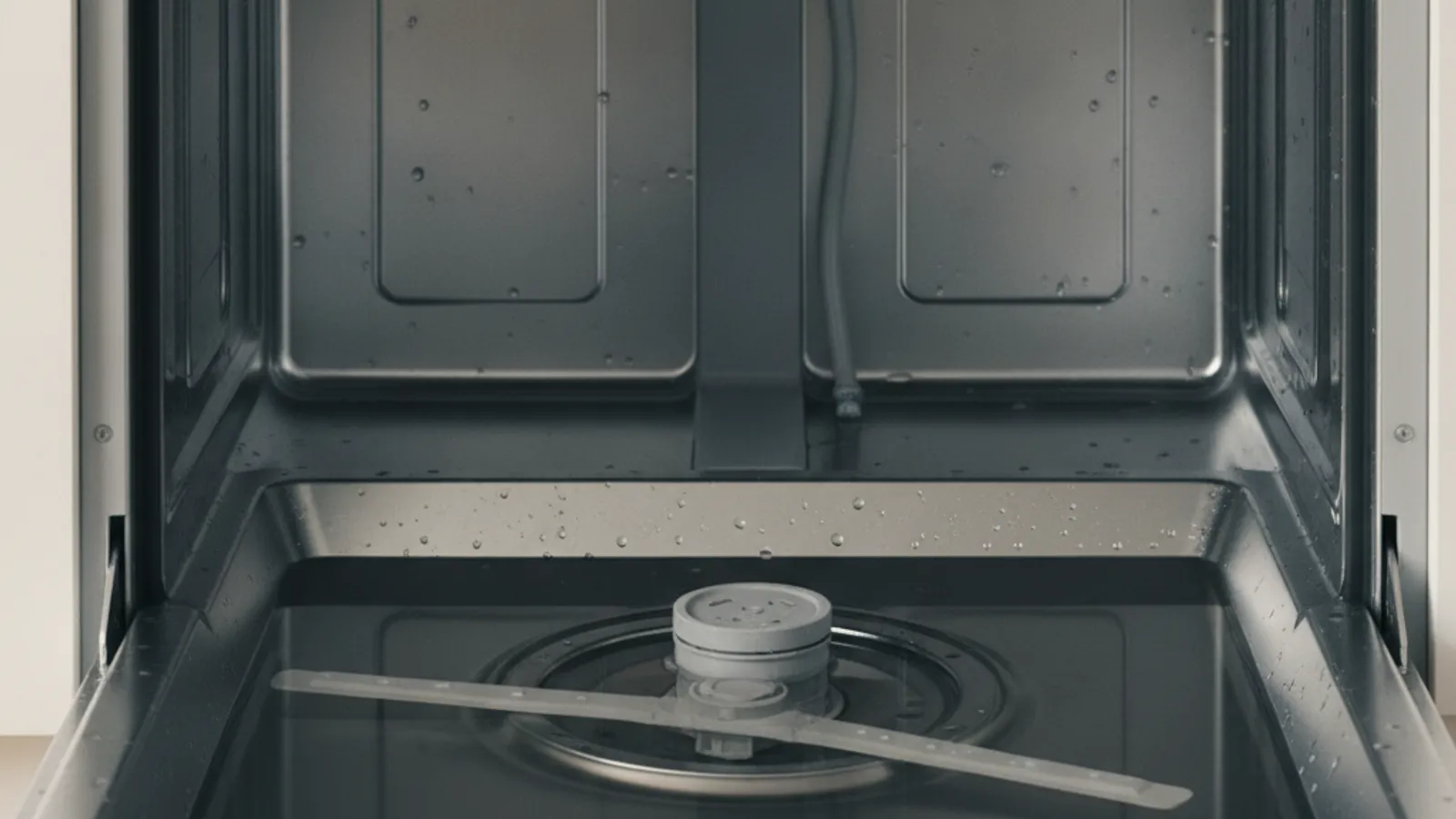
Water leaves the tub through a filter and sump, gets pushed by the drain pump, travels up a hose, and exits to your disposer or sink drain. A check valve sits in the path to stop dirty water from flowing back in. When any one of those steps gets blocked, water sits in the bottom of the tub.
Older KitchenAid models use a self-cleaning chopper and hard-food disposer that grinds debris automatically. Newer models swapped that for a manual filter you twist out and rinse. Knowing which one you have changes where you start. Premium KitchenAid models with extra wash zones and stainless tubs still drain the exact same way, so don’t let the price tag fool you.
When draining fails, KitchenAid usually shows it. The clean light blinks, the cycle won’t finish, or you hear the pump hum without water leaving. Error codes vary by model, so check your manual if one appears.
Start with a drain cycle
Before you pull anything apart, use cancel-and-drain only if the KitchenAid manual for that model shows that button combination. Button names and drain length vary. If the water clears, note it for the technician. It does not prove there is no failed part.
If water stays put, unplug the dishwasher or cut the breaker before you reach inside. Scoop out the standing water with a cup and a towel so you can work dry.
Clean the filter and sump
Clean the filter only if the KitchenAid manual for that model shows how to remove it. Twist-out filters are not on every generation. Mineral film can collect on a filter. County hardness varies. It is not a measured cause of every drain call. See dishwasher not draining troubleshooting.
Check the disposer knockout plug
Do not detach the dishwasher hose or punch a disposer knockout. That work belongs to the installer or the matched technician. If a new install never drained, tell the technician. They can confirm whether the disposal inlet is still closed.
Inspect the drain hose and air gap
A visible high loop under the sink is an observation. Do not disconnect the hose to inspect it. If you can see a crushed section without detaching fittings, photograph it for the technician.
If your sink has an air gap, that small chrome cylinder on the counter, unscrew the cap and clear any gunk inside. A clogged air gap blocks drainage and sometimes spits water onto the counter during a cycle.
Test the check valve and drain pump
The check valve sits near the pump and lets water out while stopping it from coming back. Hard-water scale can cement it partly open or stuck shut. Do not expose the sump from this page. Pump, check valve, hose, knockout, wiring, and codes belong to the technician.
The drain pump is a technician diagnosis. Error codes and pump work belong to the matched pro with the model chart. Filter cleaning is owner-safe only when that KitchenAid manual supports it.
DIY versus calling a pro
Filter cleaning is a homeowner check only when the exact KitchenAid manual shows it. Pump, check valve, hose disconnection, knockout, wiring, and codes belong to the technician. Dishwasher repair is a referral match.
Frequently asked questions
Why is my KitchenAid dishwasher not draining?
A clogged filter, drain path, or pump can be involved. Start with the filter only if the model manual supports it. Do not punch a knockout or pull the hose.
How do I force my KitchenAid dishwasher to drain?
Use cancel-and-drain only if that KitchenAid document lists it. If water still will not clear, request diagnosis. Do not treat a two-minute drain as shared across models.
Can hard water cause a KitchenAid dishwasher to stop draining?
Hardness can leave film on a filter. It is not a measured San Diego cause. Ask the technician what they find.
When to call us
If the filter step in your manual did not clear the tub, stop. Pump and check-valve work belong to the technician. Call (858) 988-7787 to leave a voicemail requesting a match.