Reset and unjam a garbage disposal
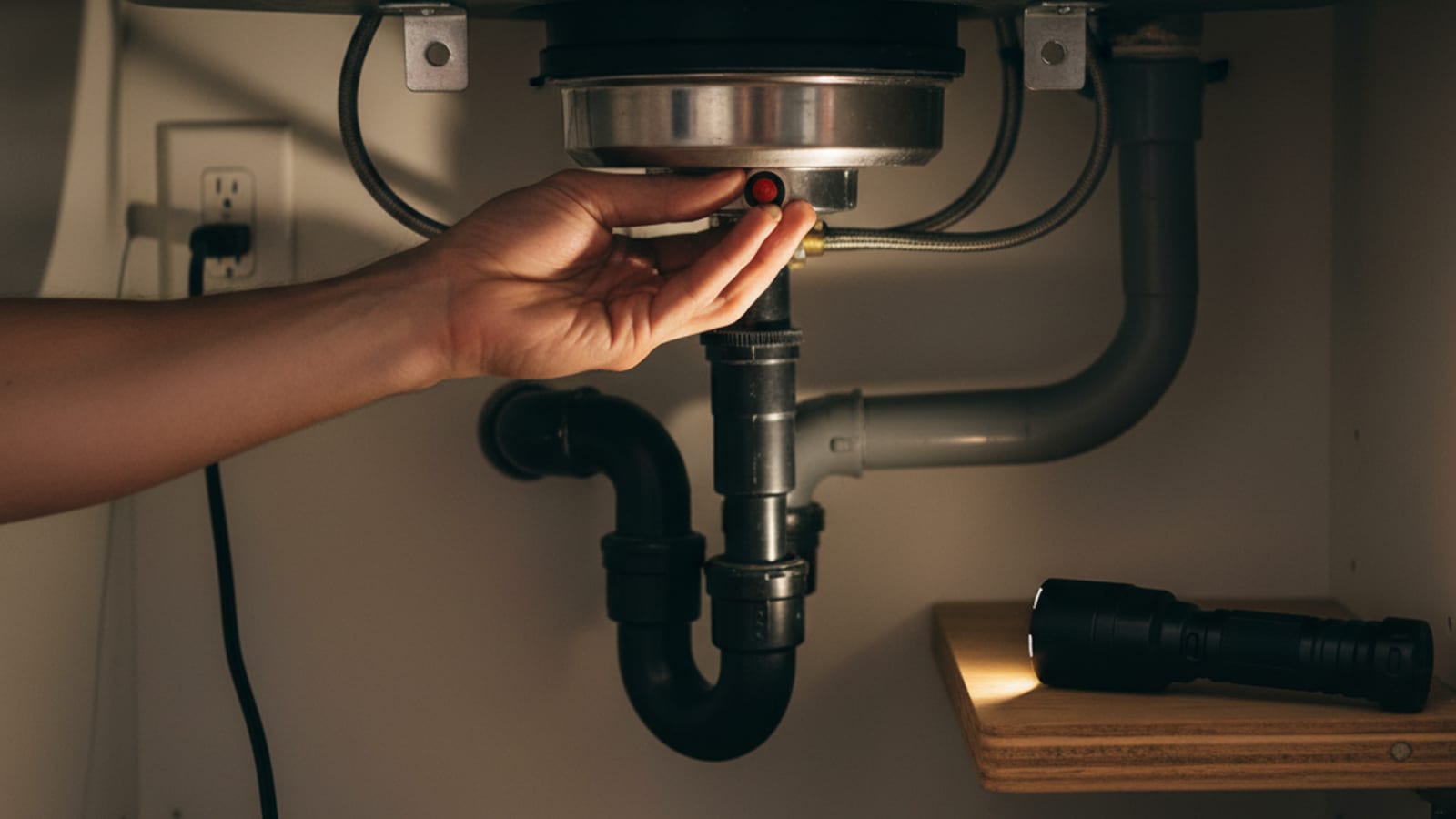
A humming or unresponsive disposal may be jammed or have tripped its overload protection. Check the model instructions before attempting a reset or clearing a jam.
What you'll learn
- How to disconnect power before checking for a jam
- Why some disposals have a reset button and others reset automatically
- When a model-approved wrench can free a jam
- When repeated humming or tripping needs professional diagnosis
Step by step
- Turn the disposal switch off, then unplug the unit or switch off its circuit breaker. Never put your hand inside the disposal.
- Consult the model manual for its jam-clearing method. If it has a wrench socket, use the specified tool from below with power disconnected; do not force it.
- Remove the wrench and any other tools. Use tongs or pliers for visible debris, keeping your hands outside the grinding chamber.
- Follow the model-specific cooling and reset instructions. Some units use a manual overload button; others reset automatically after cooling.
- With tools clear and the wall switch off, restore power. Run cold water and test as directed. Switch off and stop if it hums, trips again, or does not operate normally.
Do not keep resetting a disposal that will not run. A jam, electrical problem, or motor fault needs diagnosis; age alone does not determine whether replacement is worthwhile.
Source instructions
Use the instructions for your exact model before starting maintenance.
Rather have a pro handle it?
We match you with a vetted local appliance tech across San Diego County. Leave a message and we call you back.
Keep learning.
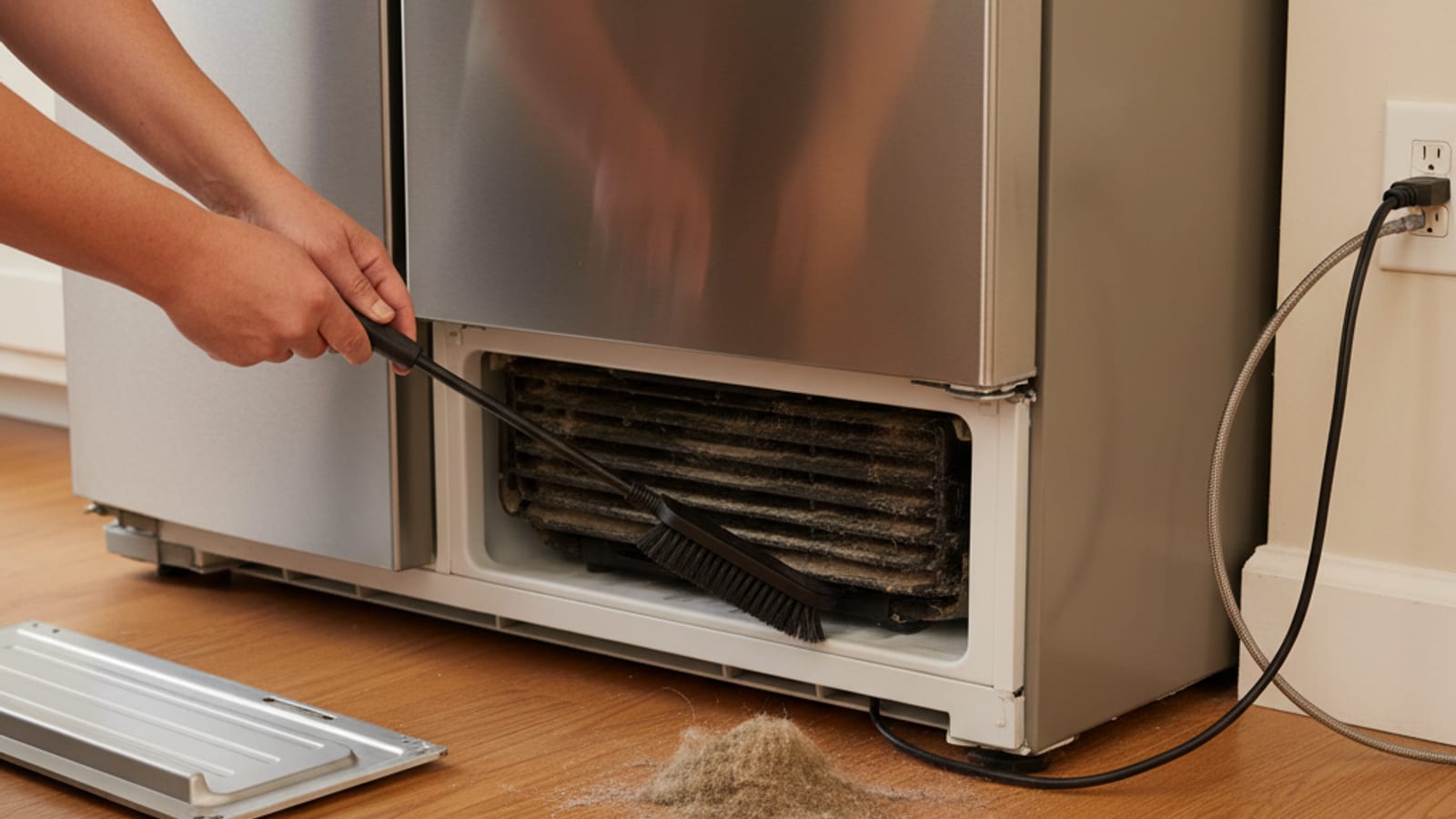
Clean your refrigerator condenser coils
Check your refrigerator manual before cleaning condenser coils. Some models have accessible coils; others need no routine cleaning or require a technician.
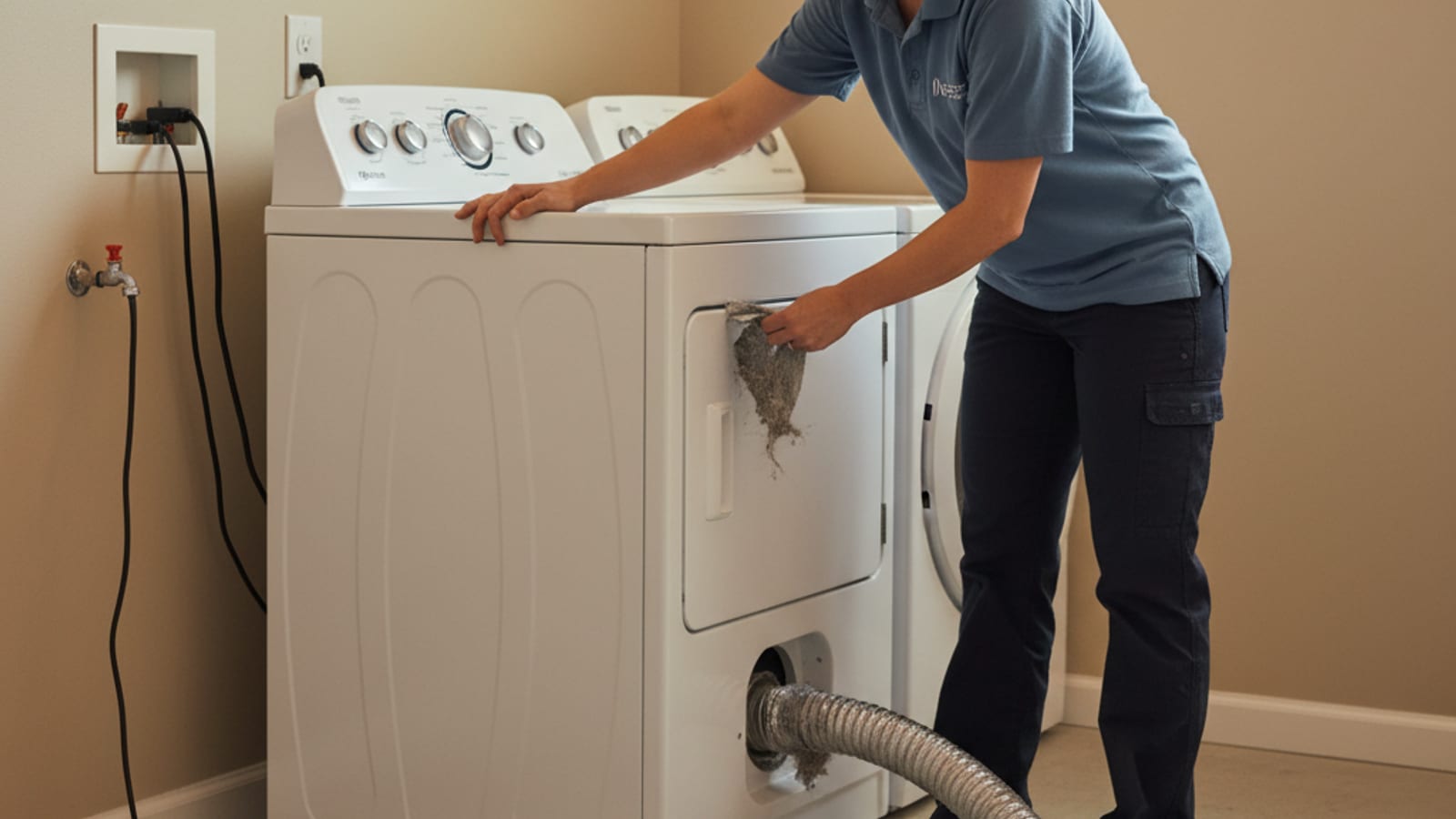
Clean your dryer vent line
Lint buildup and restricted venting can increase dryer fire risk and slow drying. Check the lint filter and accessible venting, following your model manual.
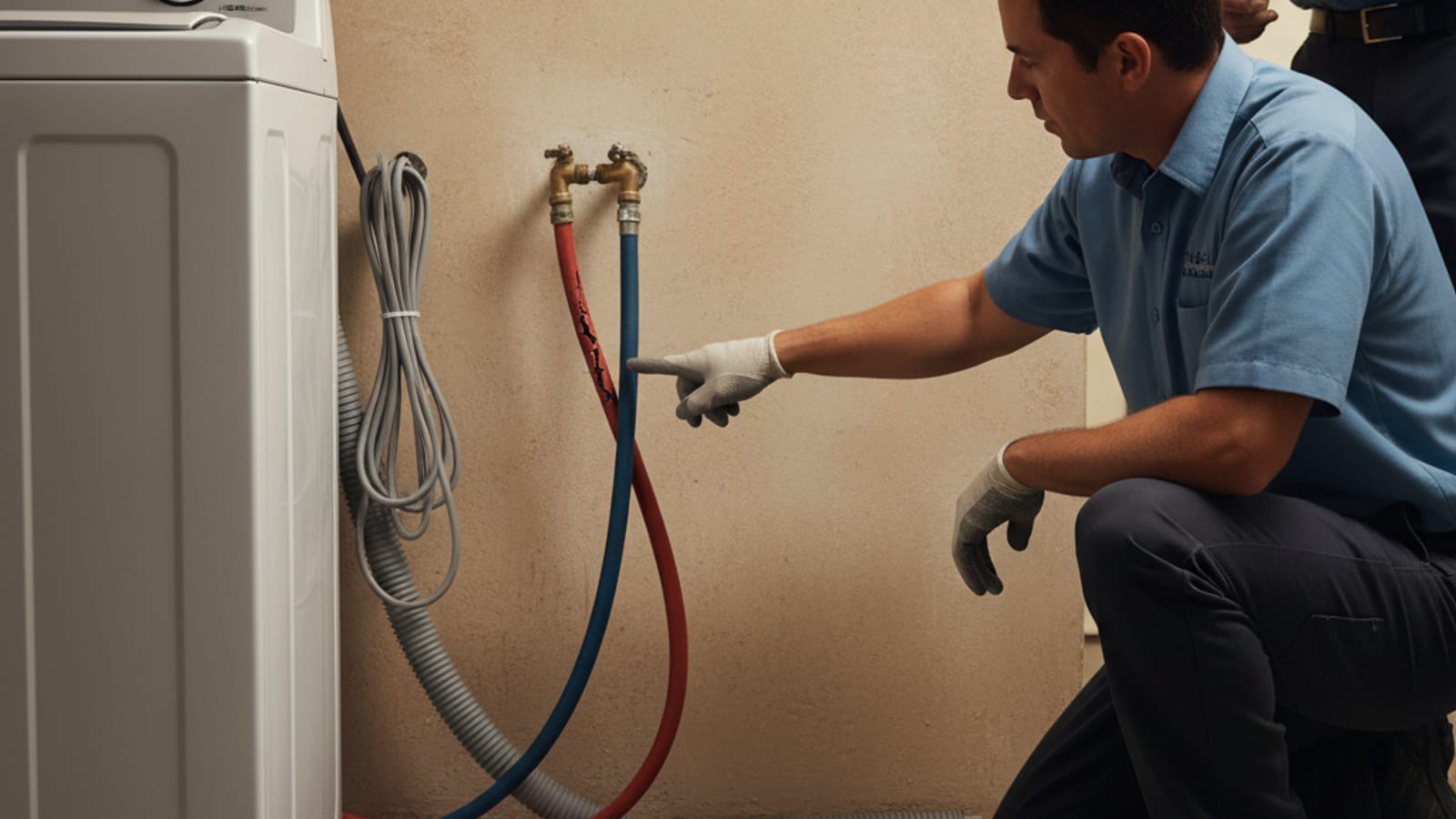
Check and replace washing machine supply hoses
Inspect washer supply hoses for leaks, bulges, cracks, kinks, or worn connections. Follow the washer and hose instructions for replacement and installation.