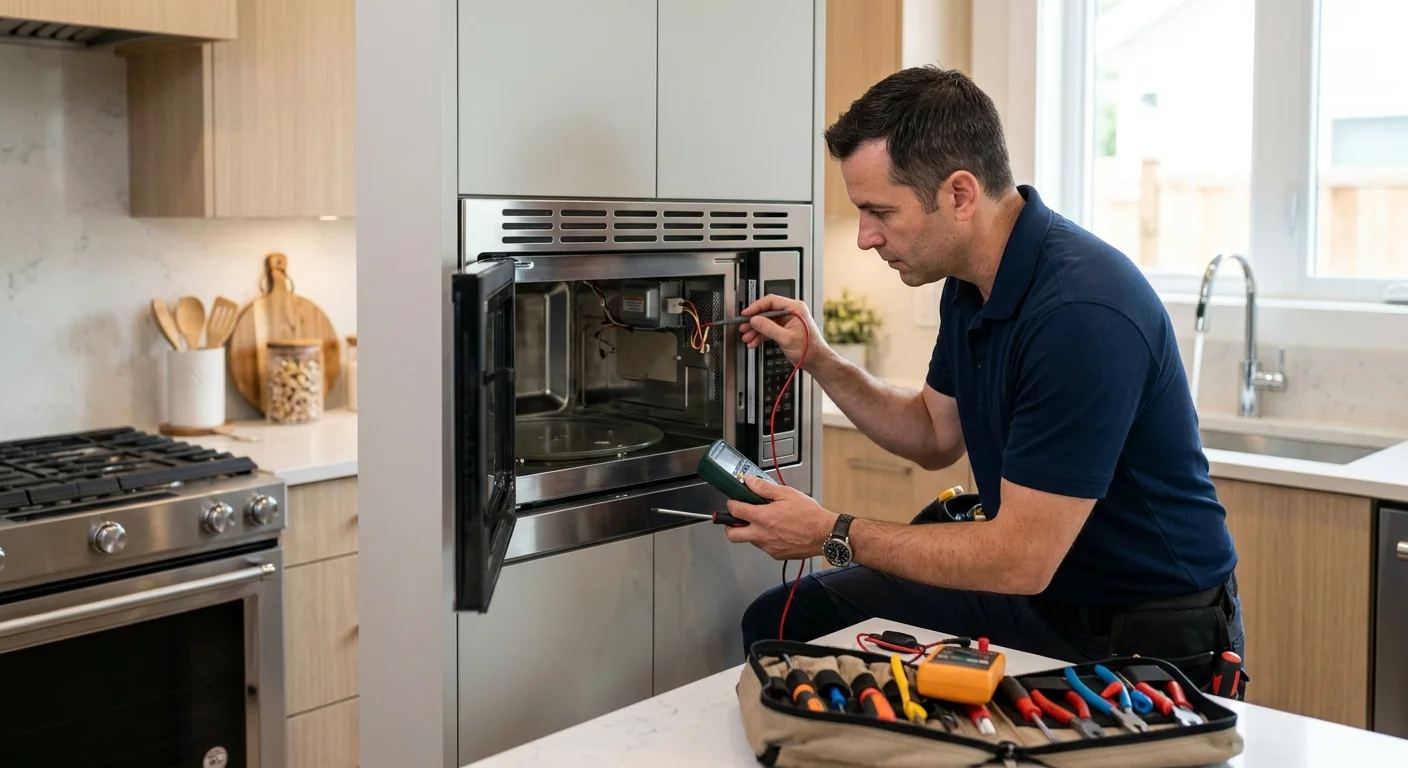
A Samsung microwave that runs without heating can create confusing clues. The display, fan, light, and turntable may still appear normal. Start by documenting those clues without opening the cabinet.
Confirm the model and exact heating symptom
Start with the complete model and serial numbers from the appliance label. Don’t rely on the receipt, product name, or a similar online photo. Samsung instructions and parts can differ between models that look nearly identical.
If the label isn’t obvious, check the owner manual for its location. Don’t remove the outer cabinet or built-in trim to search. Photograph the label once you find it. A clear photo prevents errors when letters and numbers resemble each other.
Next, describe exactly what happens during a normal cooking cycle:
- The timer counts down, but the food remains cold.
- Heating starts, then stops during the cycle.
- Food warms, but much less than expected.
- The display works, but cooking won’t start.
- The fan or turntable behaves differently than usual.
- A message or code appears on the display.
Copy any displayed code exactly. Don’t translate it into a diagnosis. The same letters may mean different things across product families.
Also note whether the unit is countertop, built-in, or over the range. Access and removal needs depend on the installation. This matters in compact San Diego condos as much as larger inland kitchens.
Use the appliance only as its model-specific owner manual directs. If you want to compare the symptom with common causes across brands, read our microwave not heating guide. You can also search the exact model through the CPSC recall database before arranging service.
What owners can check without opening the cabinet
Keep homeowner checks limited to visible controls and normal operation. Microwave cabinets shouldn’t be opened as part of home troubleshooting. Avoid removing vents, panels, trim, or control assemblies.
First, confirm that the microwave is set to a cooking function. A timer-only setting can count down without heating. Some models also have display or demonstration settings. Because control names vary, compare the screen with the exact Samsung manual instead of following a generic button sequence.
Check whether the door closes fully without being pushed or held. Look for packaging, crumbs, or a container blocking the closing area. Don’t press, bend, tape, or bypass any latch piece. Note any looseness, unusual resistance, or change in the display when the door closes.
Then repeat one normal cooking task that previously worked. Use the same container, food amount, power setting, and cook time. Follow the owner manual throughout the check. This comparison gives the technician a clearer symptom than several unrelated tests.
Observe the microwave from outside:
- Does the interior light turn on?
- Does the timer count down?
- Does the fan sound normal?
- Does the turntable move when that mode calls for movement?
- Does operation stop when the door opens?
- Does the display show a code or message?
Don’t use a generic reset sequence found for another Samsung model. If Samsung provides a reset or power interruption step, follow the instructions for your exact model. If these external checks don’t restore heating, leave internal diagnosis to a qualified technician.
What technicians inspect during diagnosis
A technician starts by confirming the reported symptom. “No heat” isn’t always the same failure. A microwave that never starts presents differently from one that runs a full cycle while the food stays cold.
The technician may compare door operation, control behavior, airflow, sounds, and heating performance. Those observations guide the next tests. They may then inspect the door interlock system, control connections, and heating circuit. The exact sequence depends on the model and Samsung’s service information.
Components such as the magnetron, diode, capacitor, transformer, inverter, thermal devices, wiring, and control board may be considered during diagnosis. Not every Samsung microwave contains the same arrangement. A symptom alone doesn’t prove that any single component failed.
That distinction matters before ordering parts. For example, a working display doesn’t confirm the entire control system is working. A moving turntable also doesn’t identify the condition of the heating circuit. The technician needs model-specific findings rather than a guess based on one visible clue.
Repair Pro San Diego performs no testing or physical repair. We match homeowners across San Diego County with licensed, insured independent appliance technicians. Our microwave repair service explains how to request that match.
California maintains a public Department of Consumer Affairs lookup for checking a service dealer’s current registration status. You can also ask the matched technician what their diagnosis covers and whether parts are available for your model. The technician should diagnose the microwave first and provide a written quote before work begins.
How door and control symptoms change the next step
Door and control symptoms help separate several service paths. Record what you see, but don’t treat the observation as a confirmed cause.
If the microwave won’t begin a cycle, note whether the display reacts when the door closes. Also record whether buttons respond normally. A door that feels different, needs extra pressure, or doesn’t close evenly is useful information for the technician.
If the cycle begins but stops unexpectedly, write down when it stops. Note any displayed message and whether the clock remains visible. Don’t repeatedly restart the unit to force it through a cycle. Preserve the exact sequence instead.
When a Samsung microwave runs but doesn’t heat, record which other functions remain active. The fan, light, timer, and turntable create a more complete symptom profile. They don’t confirm which internal part needs repair.
Control behavior also matters. Identify buttons that don’t respond, settings that change by themselves, or a display that flickers or goes blank. Photograph codes before clearing the screen. If a message returns, note what was happening immediately beforehand.
Don’t assume a door switch or control board needs replacement based on an online video. Samsung uses different assemblies across countertop, over-the-range, and built-in products. Some repairs also require access that isn’t available until an installed unit is removed.
For broader brand service information, see our guide to Samsung appliance repair in San Diego. It explains how model information and installation details help frame the service request.
When to request Samsung microwave repair
Request professional diagnosis when normal, model-specific checks don’t restore heating. It’s also time to request service when the door won’t close correctly, controls won’t accept cooking commands, or the same symptom keeps returning.
Gather the model number, serial number, installation type, and symptom notes first. Include any display code exactly as shown. Photos of the label and control panel can reduce confusion when discussing the unit.
Tell the referral service whether the microwave is countertop, over the range, or built into cabinetry. A technician may need different access information for each installation. In downtown and University City condos, building access or parking instructions can also help the independent pro plan the visit. Homeowners in Chula Vista, El Cajon, Encinitas, and elsewhere in San Diego County should share any relevant gate or property access details.
Ask the matched technician about their diagnostic fee and whether it is credited toward the repair. Repair Pro San Diego doesn’t set those charges. The independent technician diagnoses the microwave and quotes the proposed work in writing before it begins.
Parts availability, installation access, and the diagnosed component all affect the repair decision. Avoid ordering a magnetron, control board, or door assembly from symptoms alone. An incorrect part can leave the original problem unresolved.
Our San Diego microwave repair guide covers what to share when requesting local service. It also helps distinguish a repair request from a simple control-setting question.
When to call us
When external checks don’t explain the missing heat, request a match with a licensed, insured independent Appliance Repair pro. Repair Pro San Diego refers the request and doesn’t perform or warranty the repair.
Call (858) 988-7787 to leave a voicemail requesting a match with a local appliance repair pro.