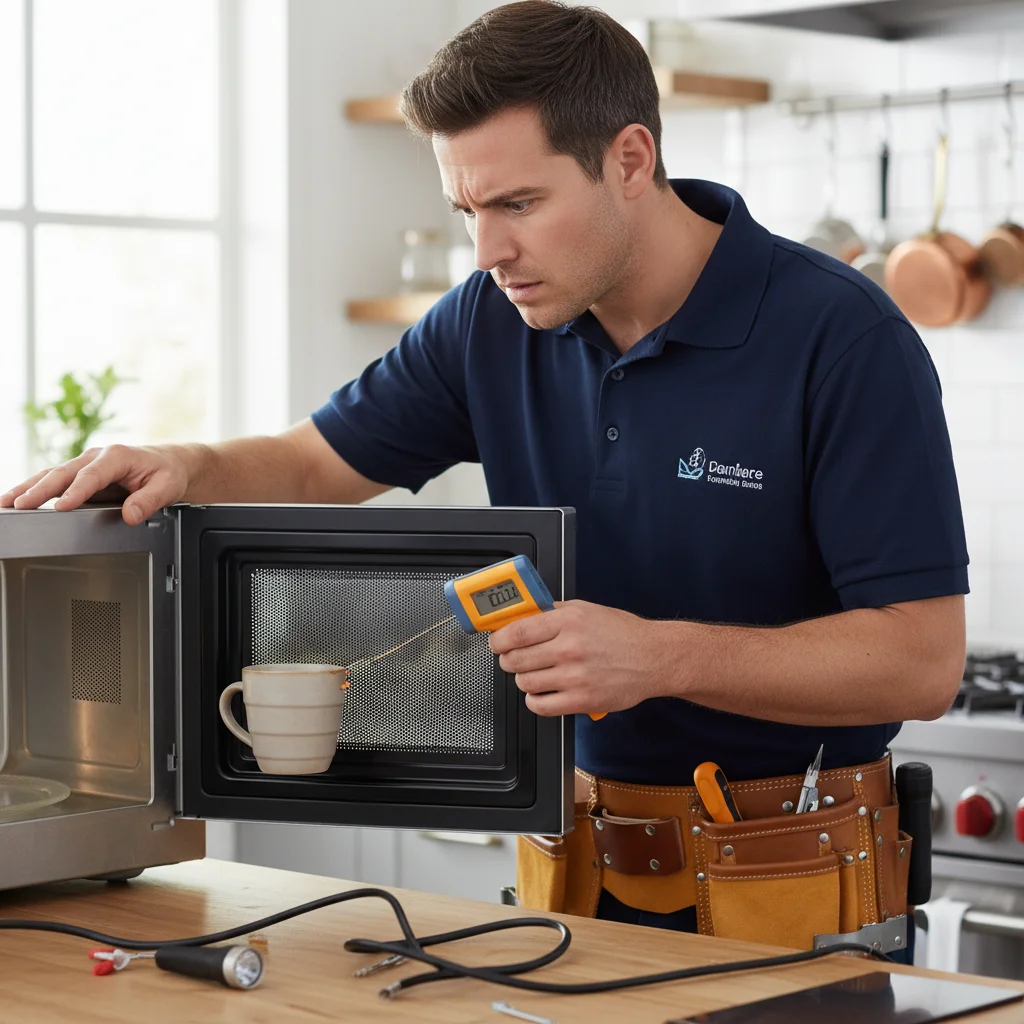
It’s a frustratingly common moment in any San Diego kitchen. You pop your coffee in for a quick reheat, the turntable spins, the light comes on, and the timer counts down. But when the beep sounds, you pull out a mug that’s just as cold as when you put it in. A microwave that runs but doesn’t heat is one of the most frequent appliance issues we see, and the reasons can range from surprisingly simple to dangerously complex.
Before you start shopping for a replacement, it’s worth understanding what might be going on. While some issues require professional help, identifying the potential cause can help you make a smart decision. Here are the five most common reasons your microwave isn’t heating.
The simple check: are you on a ‘no-heat’ setting?
Before assuming a component has failed, let’s rule out the simple stuff. Modern microwaves have a variety of modes and settings that can accidentally be activated, making it seem like the appliance is broken when it’s just following the wrong instructions. This is the first and safest thing you can check yourself.
Start with “Demo Mode.” This is a feature manufacturers include so the microwave can be displayed in a store. In this mode, the lights, display, and turntable will work, but the actual heating mechanism is disabled to save power and for safety on the showroom floor. Check your user manual (or search for it online with your model number) to see how to disable it. It often involves holding down a specific button, like “0” or “Timer,” for several seconds.
Another common slip-up is using the “Kitchen Timer” function instead of a cooking function. It’s an easy mistake. You set the time, press start, and it counts down just like a cooking cycle, but it’s only acting as a standalone timer and never engages the heating elements. Make sure you’ve selected a power level or a specific cooking function (like “Cook Time” or “Defrost”) before hitting start.
Finally, check for a “Control Lock” or “Child Lock” feature. This is designed to prevent accidental operation. While it usually stops the microwave from starting at all, some models might behave differently. Again, a quick check of your manual will show you the button combination needed to turn it off. Ruling out these user errors can save you a headache and the cost of a service call.
When the door switch is the problem
If you’ve confirmed the settings are correct, the next likely culprit is a faulty door switch. Your microwave oven has several safety mechanisms, and the door interlock system is one of the most important. It’s a series of small switches that tell the microwave’s main control board that the door is securely closed and it’s safe to start generating microwaves. If any one of these switches fails, the system won’t get the “all-clear” signal.
Most microwaves have two or three of these switches. They get a lot of wear and tear from thousands of door openings and closings. Over time, the plastic components can break or the electrical contacts can wear out.
Symptoms of a failed door switch can vary. Sometimes, the microwave won’t start at all. In other cases, the fan and turntable will run, but the microwave won’t heat because the control board is specifically preventing the high-voltage circuit from activating. A failing door switch can also cause the interior light to stay on even when the door is closed.
While replacing a door switch might seem straightforward, it requires opening the microwave’s cabinet. This exposes you to the high-voltage components inside. This is where we strongly advise against DIY repair. Even when unplugged, a microwave can hold a lethal electrical charge. A faulty door switch is a common and relatively inexpensive fix for a professional technician.
What is a magnetron (and why it’s usually the culprit)
If the simple checks don’t solve it and the door switches seem fine, we have to look at the heart of the heating system: the magnetron. This component is a high-powered vacuum tube that generates the microwave radiation responsible for heating your food. When you hear that familiar hum of a microwave at work, you’re mostly hearing the magnetron and its cooling fan in action.
Like any hardworking component, a magnetron has a limited lifespan. With regular use, it will eventually fail. When it does, your microwave becomes just a noisy box with a spinning plate.
The most common sign of a failed magnetron is that your microwave runs for the full cycle without producing any heat. You might also notice other symptoms. A failing magnetron can sometimes produce a very loud, growling or buzzing sound that is distinct from its normal operating hum. In some cases, you might even detect a burning smell or see sparks inside the oven cavity (a dangerous sign that means you should stop using it immediately).
Testing and replacing a magnetron is a job exclusively for a trained professional. It is connected directly to the high-voltage transformer and capacitor, making it extremely dangerous to handle without proper training and equipment. The technicians in our network have the tools to safely diagnose the magnetron and the expertise to replace it correctly.
Could it be a high-voltage diode or capacitor?
The magnetron doesn’t work alone. To generate the intense energy needed for cooking, it relies on a couple of critical partners: the high-voltage capacitor and the high-voltage diode. If either of these components fails, the magnetron won’t get the type or amount of electricity it needs to function, and your food will stay cold.
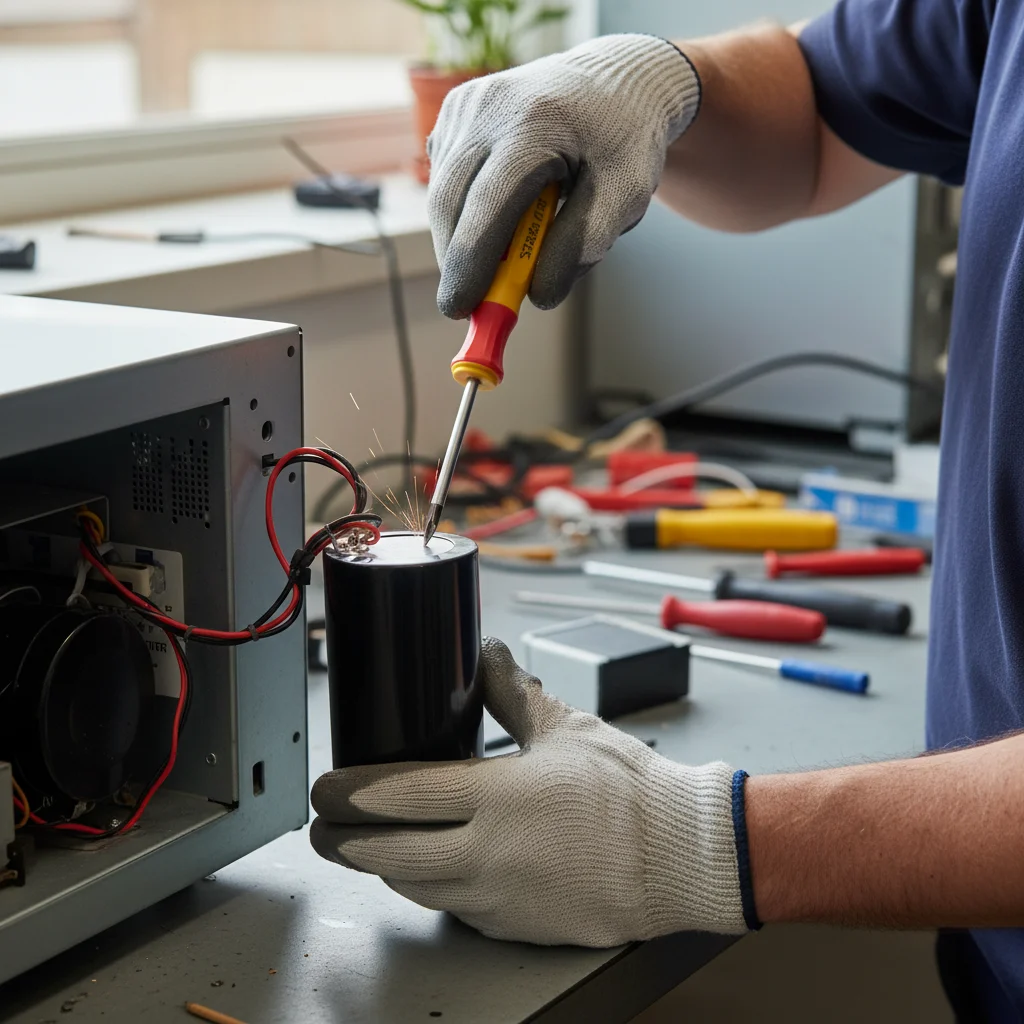
The high-voltage capacitor works like a battery, storing up a massive electrical charge. The transformer steps up your home’s voltage, and the capacitor holds it until it’s ready to be sent to the magnetron. If the capacitor fails, it can no longer hold this charge. A sign of a blown capacitor can be a loud pop, followed by a burning smell and smoke.
The high-voltage diode works with the capacitor to convert the AC power from your wall outlet into the high-voltage DC power the magnetron needs. If the diode burns out, the magnetron is effectively starved of power. A common symptom of a failed diode is a loud humming or buzzing noise but no heat.
This is the single most important safety warning: The high-voltage capacitor can store thousands of volts of electricity, even after the microwave has been unplugged for days or weeks. Attempting to access or handle these components without professionally discharging the capacitor first can be fatal. This is why a “microwave not heating” issue is one of the most dangerous DIY repairs. The technicians in our network handling microwave repair use specialized tools to safely discharge the capacitor before beginning any diagnostic work.
Repair vs. replace: the math on a microwave
So, your microwave isn’t heating, and it’s likely a component failure. Now comes the big question for homeowners across San Diego County: should you repair it or just buy a new one? The answer almost always comes down to the type of microwave you own and the cost of the repair.
First, consider the cost of a new appliance. A small, basic countertop microwave is inexpensive to replace. If you have one of these and it’s suffering from a major failure like a dead magnetron, replacement is almost certainly the more economical choice. The cost of a professional service call and parts would easily exceed the price of a brand-new unit.
The math changes completely for built-in or over-the-range microwaves. These models cost significantly more, not including the potential cost of installation. For these more expensive, integrated units, a repair is often the far better financial decision. National cost guides such as Angi put a typical magnetron or diode repair at $100 to $300 (Fixr: $150 to $350 with labor), as of 2026. That’s a significant saving compared to buying and installing a whole new appliance, which might also require matching cabinetry or finishes.
The age of your microwave is also a factor. Most microwaves are designed to last about 7 to 10 years. If your high-end, 12-year-old microwave fails, it might be time to consider whether you want to invest in repairing an older appliance. For a deeper look at this calculation for all your home appliances, our guide on when to repair or replace an appliance can help you make a confident decision.
Frequently asked questions
Why is my microwave not heating?
A failed magnetron is the usual cause when the microwave runs but food stays cold. A blown high-voltage diode or capacitor can produce the same symptom, since both parts must work together to power the magnetron. If the light and turntable work normally, the problem is almost always on the high-voltage side.
What is a magnetron and how do I know if mine failed?
The magnetron is the vacuum tube that generates the microwave energy that heats food. When it fails, the microwave completes a full cook cycle with zero heat. A failing magnetron can also produce a loud growling or buzzing sound, or in serious cases a burning smell, which means you should unplug it immediately.
Is it safe to repair a microwave myself?
No. The high-voltage capacitor stores up to thousands of volts even after the microwave is unplugged, and that charge can persist for days. Technicians in our network discharge the capacitor with an insulated tool before touching anything inside. This is one repair that should never be a DIY project.
Should I repair or replace my microwave?
It depends on the type. A basic countertop unit is inexpensive, so it’s usually cheaper to replace than repair once a major part fails. A built-in or over-the-range model costs significantly more, and is almost always worth repairing. National cost guides such as Angi put a magnetron or diode replacement at $100 to $300 (Fixr: $150 to $350 with labor), which is a fraction of buying and installing a new built-in unit.
When to call us
When your microwave stops heating, it’s best to err on the side of caution. If a quick check of the settings doesn’t solve the problem, the issue is almost certainly with an internal, high-voltage component. For your safety, this is not a DIY job. The technicians in our network have the training and tools to safely diagnose and fix your microwave.
Call us at (858) 988-7787 to get matched with a technician.