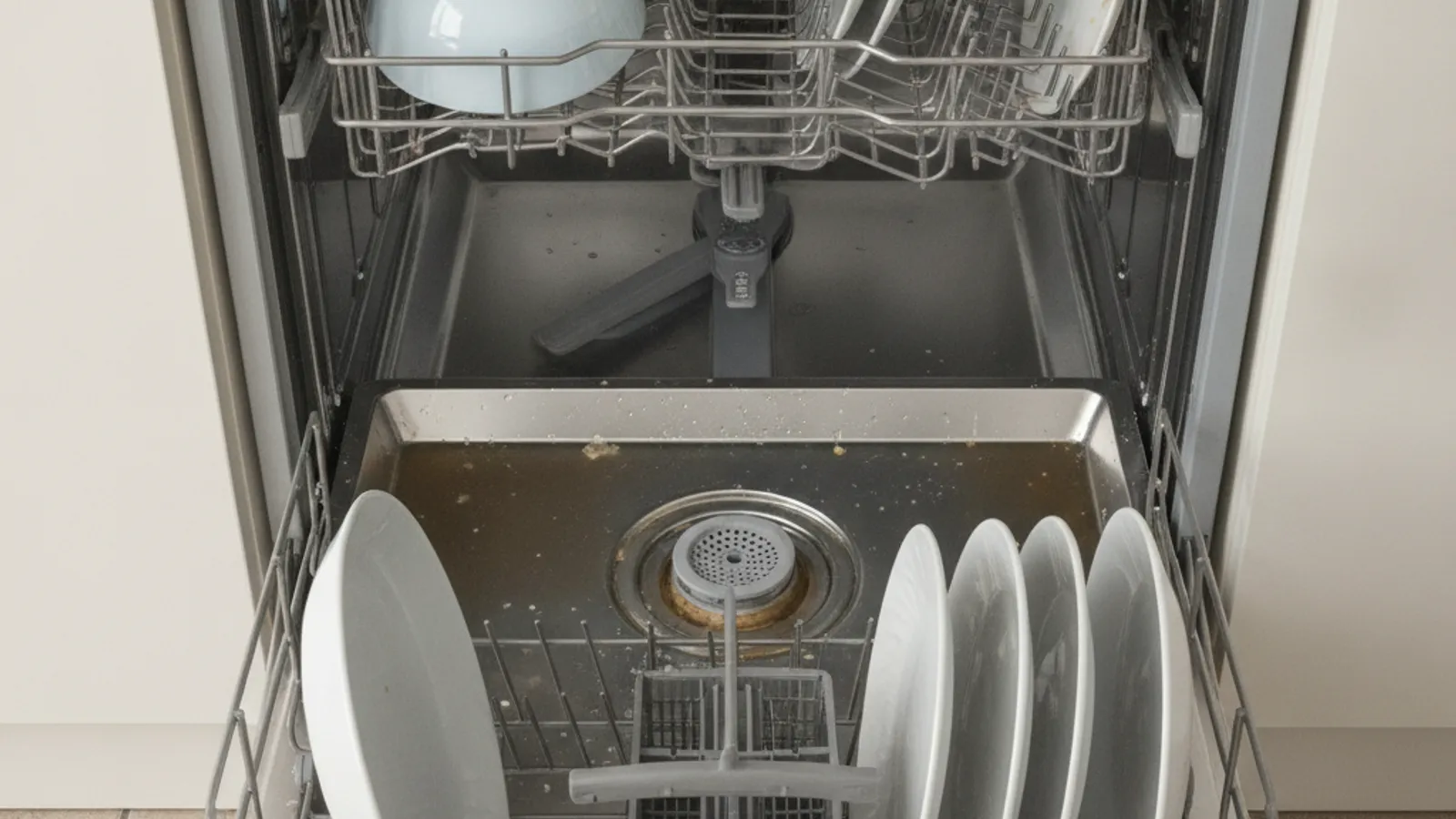
A Samsung dishwasher that leaves water in the tub has a drain-path problem. A clogged filter, restricted hose, or a pump that cannot move water are possible causes. Confirm any display code on Samsung’s chart for that exact model before treating 5C, 5E, SC, or OC as the same fault.
What leftover water is telling you
When the cycle ends and water sits around the sump, the dishwasher did not finish pumping out. Photograph the code. On some Samsung lines those letters relate to drain or over-fill conditions. Different cabinets use different maps.
Start with power-off and the filter, if the manual shows it
Kill power at the breaker before you reach into the tub. Twist out the cylindrical filter only if the owner’s manual shows that part as owner-serviceable. Rinse it under hot water and look into the open sump for glass or sludge. Hard water in San Diego can contribute to greasy scale on a filter. It is not the diagnosis. The brand-agnostic routine is in dishwasher not draining.
Run a forced drain first
Press Cancel or Start Cancel only as the manual describes, and let the drain-out finish. If water leaves, it may have been a one-time clog. If it stays, keep photos for the technician.
Pump cover, impeller, and disposer knockout
Do not lift a pump cover, spin the impeller, or knock out a garbage-disposal plug. Those steps belong to the technician or the original installer. You may look under the sink for a kinked hose or a packed air-gap cap without disconnecting lines.
Door latch and control board
A drain cycle can abort if the dishwasher thinks the door is open. Latch and board faults are repair quotes, not cleaning. See Samsung appliance repair in San Diego.
What you can do versus when to call
Filter cleaning when the manual shows it, cancel/drain, and photographing the hose and air gap are owner checks. Seized pumps, stuck check valves, door switches, and boards need a meter and the right part. Repair Pro San Diego does not confirm faults in one visit. See dishwasher repair.
Frequently asked questions
Why is my Samsung dishwasher not draining?
Possible causes include a clogged filter, a kinked hose, a pump that cannot move water, or a restricted air gap. Start with power-off and the filter if the book shows it.
What does the 5C or 5E code mean on a Samsung dishwasher?
Only the model fault chart answers that. On some lines those codes relate to drain. Do not assume 5C, 5E, SC, and OC are interchangeable.
Can hard water cause my Samsung dishwasher to stop draining?
It can contribute to scale on the filter and valves. A technician still has to find the actual restriction.
When to call us
If the filter and visible hose are clear and water still pools, leave a voicemail at (858) 988-7787. We match you with a local technician.