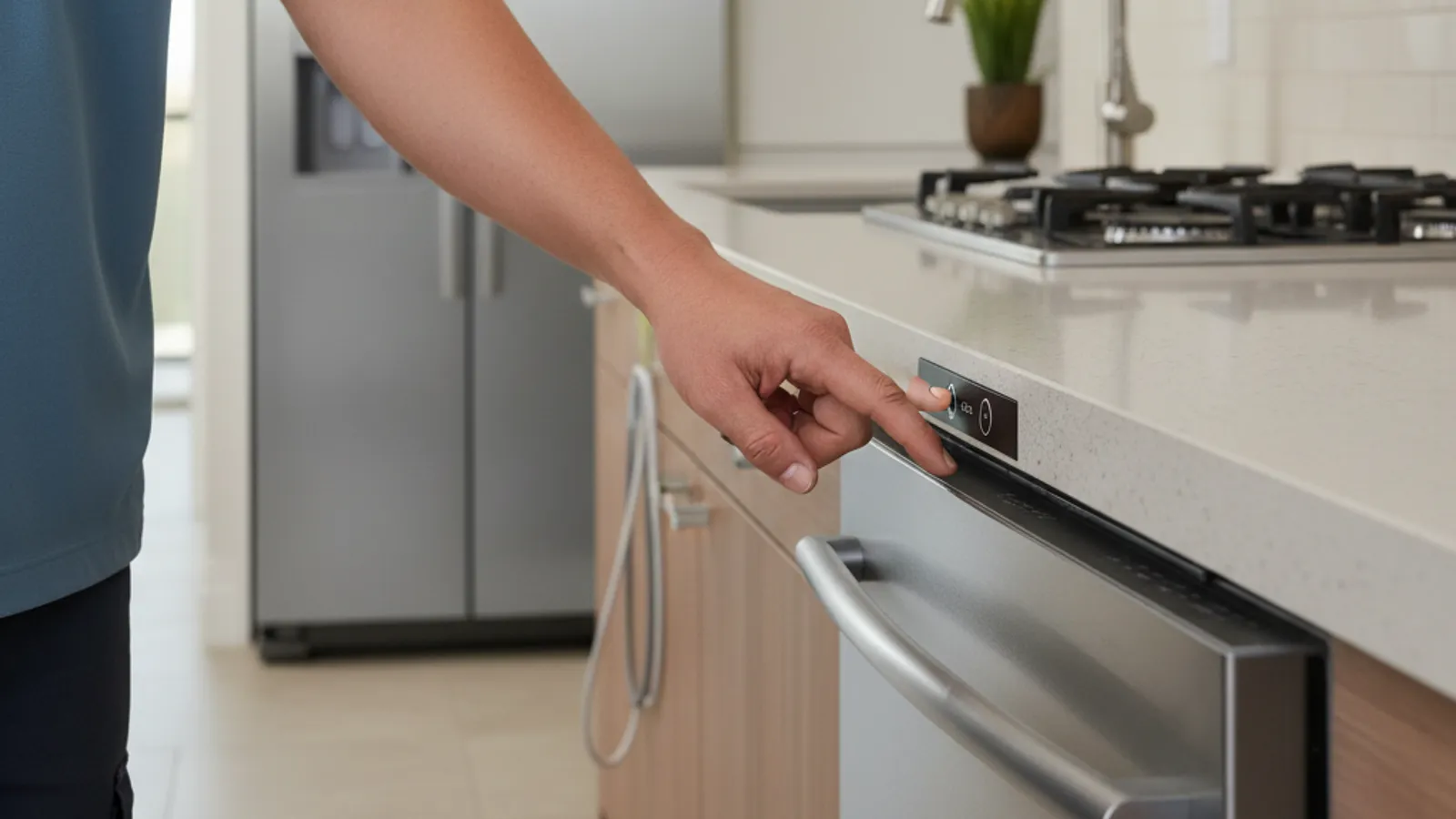
When a dishwasher won’t start, possible owner-side causes include a door that isn’t fully latched, a set delay timer, an engaged control lock, or no power reaching the unit. Check those in that order before requesting a technician. They are possible explanations, not a ranked cause list.
First, figure out which problem you have
Before you troubleshoot, notice exactly how the dishwasher is behaving. The fix depends on it.
A dishwasher that’s completely dead, no lights, no beeps, no panel glow, has a power problem. A dishwasher with lights on that won’t respond to buttons has a lock, a delay, or a control issue. A dishwasher that starts and then quits early has a different fault, often water, heat, or a door that pops open mid-cycle.
Match your symptom to the right section below and you’ll save yourself a lot of guessing.
The door latch and door switch
A door that is not fully latched is one possible reason a dishwasher won’t start. The machine has a safety switch that has to sense the door fully closed and latched before it sends power to the cycle. If it doesn’t, nothing happens when you press start.
Open the door and push it shut firmly. You should hear and feel it click. Check the latch for food debris, a warped strike plate, or a rack pushed out too far and blocking the door. Older dishwashers develop weak latches that look closed but don’t trigger the switch.
If the door feels loose or the latch doesn’t click, the door switch may have failed. That’s a small part, but it sits behind the control panel and needs testing with a meter. A qualified technician can confirm it quickly.
No power, a tripped breaker, or a switch under the sink
If the panel is completely dark, start with power. Check your breaker panel for a tripped dishwasher breaker and reset it fully off, then on.
Some kitchens put the dishwasher on a wall switch near the sink or a switch on the disposal. Look for any switch on the counter or backsplash and flip it on if it is off. Treat that as a possible layout, not a neighborhood wiring map.
The dishwasher may also share a circuit with the disposal or the kitchen outlets. If those went dead at the same time, you’ve found your circuit.
A delay-start or delay-wash setting left on
Most modern dishwashers have a delay button that holds the cycle for two, four, or eight hours. If someone tapped it, the machine looks on but sits quiet until the timer runs out.
Look for a delay indicator light or a number on the display. Press the delay button until it clears, or cancel and restart. This one fools people constantly because the dishwasher seems broken when it’s just waiting.
Control lock or child lock engaged
If the panel lights up but buttons do nothing, the control lock is probably on. This setting freezes the touchpad so kids or cleaning can’t change the cycle.
Use the owner’s manual for the exact model. The hold-button and the lock icon vary by maker and by control panel. Do not copy a sequence from another dishwasher.
A blown thermal fuse on the control board
Some dishwashers use a thermal fuse that cuts power to the controls if the board overheats. When it opens, the dishwasher can go completely dead even though the outlet has power. That is one possible diagnosis among others. It sits inside the control housing. Continuity testing and panel removal belong to a technician, not an owner step from this page.
A failed touchpad or control panel
If lights come on but pressing start does nothing, and the lock is off, the touchpad itself may be failing. Membrane touchpads can wear, and individual buttons can stop registering.
Try pressing firmly and directly on the start button. If some buttons work and others don’t, tell the technician. Confirming a control panel or touchpad replacement is model-specific.
How to reset a dishwasher that won’t start
A reset clears a stuck cycle or a confused control board. Turn the dishwasher off at the breaker, wait three to five full minutes, then turn it back on. That cuts power long enough for the board to clear.
If your model has a cancel or drain button, hold it for a few seconds first to clear any selected cycle. After the reset, close the door, pick a cycle, and press start. A power cycle can clear a stuck control. It is not a success-rate statistic.
Your diagnosis order
Work it in this sequence. Confirm power and the under-sink switch first. Make sure the door is latched until it clicks. Check for a control lock or a delay-start setting. Power-cycle at the breaker for a few minutes.
If it’s still dead after all that, possible next inspection points include the door switch, thermal fuse, or control board. Those need a meter and panel removal. That is the line between owner checks and a technician. If the dishwasher starts but won’t clean, that’s a separate issue covered in our guide on why a dishwasher isn’t cleaning.
Frequently asked questions
Why won’t my dishwasher start?
Possible causes include a door that isn’t latching fully, a delay timer, the control lock, or no power reaching the unit. Check those four before assuming a part failed. None of them is a ranked “most common” diagnosis from this page.
How do I reset a dishwasher that won’t start?
Turn it off at the breaker, wait three to five minutes, then turn it back on. This clears a stuck cycle or a confused control board and often gets it running again.
Can a blown fuse keep a dishwasher from turning on?
Yes. A blown thermal fuse on the control board cuts power to the controls and leaves the dishwasher completely dead, even with a live outlet. Replacing it takes panel removal and continuity testing.
When to call us
If you’ve checked the power, the door, the lock, the delay, and a full reset and it still won’t start, possible next faults include the door switch, thermal fuse, or control board. Those need a meter and panel removal. Ask the matched technician whether they service your brand and model. Leave a voicemail at (858) 988-7787 to request a match for dishwasher repair. The independent technician diagnoses first and quotes in writing before work begins.