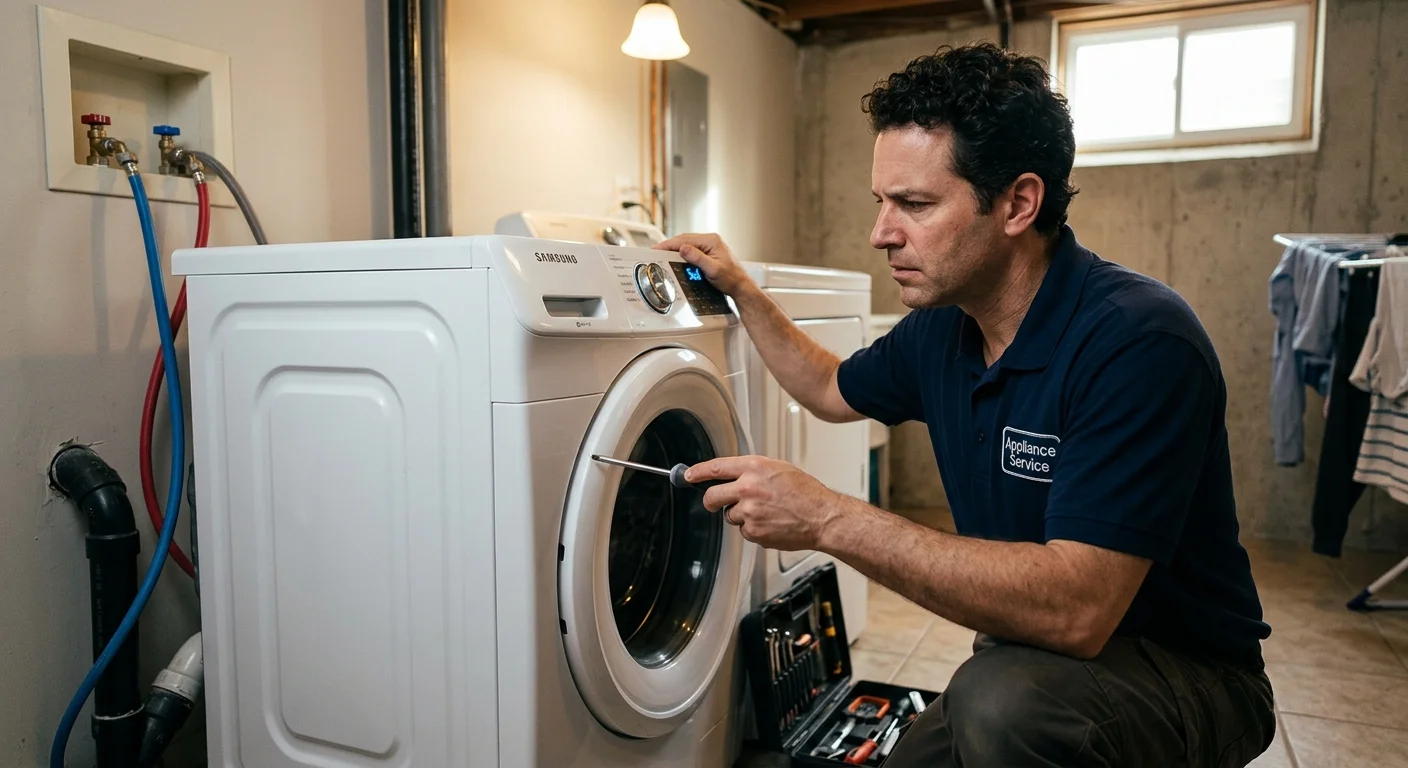
Your Samsung washing machine is usually a reliable workhorse, but when it starts displaying cryptic error codes, refusing to drain, or making unsettling noises, laundry day can quickly turn into a headache. Before you panic, many common issues have straightforward fixes you can try at home. This guide from your local San Diego appliance repair experts will walk you through common problems and empower you to troubleshoot effectively.
Common Samsung washer error codes explained
Samsung washers use a system of error codes to tell you what’s wrong. Understanding these codes is the first step in troubleshooting. Here are some of the most common ones and what they often mean:
- 4C/4E (Water Supply Error): This is one of the most frequent codes. It means your washer isn’t getting enough water.
- What to check: First, make sure both hot and cold water faucets behind the machine are fully open. Check the water supply hoses for kinks or blockages. You might also need to clean the mesh filters where the hoses connect to the washer. Debris can build up there and restrict water flow. Sometimes, it’s also a low water pressure issue in your home, which is less common in San Diego.
- 5C/5E (Drainage Error): This code indicates a problem with the washer’s ability to drain water.
- What to check: This is a big one we’ll dive deeper into, but usually, it points to a clogged drain pump filter or a kinked/blocked drain hose.
- DC (Door/Lid Open Error): Your washer’s door or lid isn’t closing or locking properly.
- What to check: Ensure the door or lid is completely shut. Sometimes clothes can get caught in the seal, preventing a full close. Inspect the door latch for any damage or obstructions. If it’s a front-loader, the latch mechanism might be faulty.
- UE (Unbalanced Load Error): The washer detects an uneven load, causing it to vibrate excessively during the spin cycle.
- What to check: Pause the cycle, redistribute the clothes evenly in the drum, and try again. Avoid washing single heavy items like blankets or jeans with very light loads. It can also happen if the washer isn’t level.
- ND (No Drain Error): Similar to 5C/5E, this means water isn’t draining from the tub.
- What to check: Again, focus on the drain pump filter and drain hose. We’ll cover this in detail next.
- OC/OE (Overfill Error): The washer has detected too much water in the drum.
- What to check: Turn off the water supply to the washer immediately. This could be due to a faulty water inlet valve that isn’t closing properly, or a pressure sensor issue. This is often a job for a professional, as it can lead to leaks if not addressed quickly.
- LC/LE (Leakage Error): This code means the washer has detected water leaking.
- What to check: Look for visible puddles around the machine. This can be serious. Check hose connections for tightness. If you can’t find an obvious source, turn off the water and power. A professional needs to pinpoint the leak before it causes water damage.
For more complex issues or if you need help with any Samsung appliance, the technicians in our network are equipped for full-service Samsung appliance repair in San Diego.
What to do when your Samsung washer won’t drain
A washer that won’t drain is a top frustration for many homeowners in San Diego. When you see a “5C,” “5E,” or “ND” error, or simply find a tub full of water after a cycle, it usually points to one of a few common culprits. The good news is, many of these you can tackle yourself.
First, always remember to unplug your washer from the power outlet before performing any checks or maintenance involving water or internal components. Safety first.
Here’s a step-by-step approach:
- Check the Drain Hose: This is the easiest fix.
- Locate the large corrugated hose exiting the back of your washer and leading to a drainpipe or utility sink.
- Ensure it’s not kinked, bent sharply, or crushed by the washer itself or other objects.
- Make sure the end of the hose isn’t pushed too far down into the standpipe (the vertical drain pipe), which can create a siphon effect and cause issues, or submerged in standing water, which prevents proper airflow for drainage. There should be an air gap.
- Also, check for any obvious blockages where it connects to the wall drain.
- Clean the Drain Pump Filter: This is probably the most common cause of drainage issues. Lint, small items (coins, buttons, socks), and debris can accumulate here.
- On most Samsung front-loaders, you’ll find a small access panel, often located on the lower front corner of the machine. Use a flathead screwdriver or coin to open it.
- Have a shallow pan or towels ready, as some water will likely spill out. You’ll see a small drain hose with a cap and a larger, round filter knob.
- First, gently pull out the small drain hose, remove its cap, and let the remaining water drain into your pan. This prevents a big mess when you remove the main filter.
- Once the water is mostly drained, slowly twist the large, round filter knob counter-clockwise to remove it.
- Carefully pull out the filter and clear away all lint, debris, and foreign objects. Use an old toothbrush if needed.
- Shine a flashlight into the pump housing where the filter was. Check for any impellers (small blades) that might be stuck or blocked. Remove any visible obstructions.
- Rinse the filter thoroughly under running water.
- Replace the filter, ensuring it’s screwed in tightly to prevent leaks. Cap the small drain hose and close the access panel.
- Check for SuDS (Excessive Suds): Sometimes, too much detergent can create an excessive amount of suds that prevent the water from draining properly.
- Try running a “Rinse & Spin” cycle without any detergent to see if the problem resolves. Use less detergent in future loads, especially with high-efficiency (HE) washers.
If these steps don’t resolve your drainage problem, the issue might be a faulty drain pump itself or a more complex sensor problem. In such cases, professional assistance is usually required for effective washing machine repair.
Fixing a washer that’s making a loud noise or vibrating
Strange noises from your Samsung washer can be alarming. From grinding and thumping to screeching and rattling, different sounds often indicate different problems. Identifying the noise can help pinpoint the cause.
- Thumping or Banging during Spin: This is most often an unbalanced load.
- What to check: Pause the cycle and redistribute the clothes evenly. Avoid washing one heavy item alone. If the washer itself isn’t level, it can also cause vibrations. Use a spirit level on top of your machine and adjust the leveling feet at the bottom corners. Most feet can be twisted up or down, then locked with a nut.
- Grinding or Scraping Noise: This might indicate a foreign object trapped somewhere it shouldn’t be.
- What to check: Carefully inspect the washer drum. Look under the agitator (for top-loaders) or between the drum and the outer tub (for front-loaders). Coins, keys, or even bra underwires can get dislodged and cause significant noise, and even damage. You might need a flashlight to see into tight spots. Sometimes, removing a single item can solve the problem instantly.
- Screeching or Squealing Noise: This often points to worn-out mechanical parts.
- What to check: In many cases, a screeching noise during the spin cycle can be a sign of worn drum bearings or a failing motor. This is a more serious issue that typically requires a professional to diagnose and replace the affected components.
- Rattling or Clicking Noise:
- What to check: Small items like buttons, zippers, or even loose jewelry can rattle against the drum during agitation. It could also be the washer hitting something nearby, like a wall or another appliance. Check the clearances around your machine. If the noise is coming from underneath, it could be a loose belt or pulley, though these are usually accompanied by other operational issues.
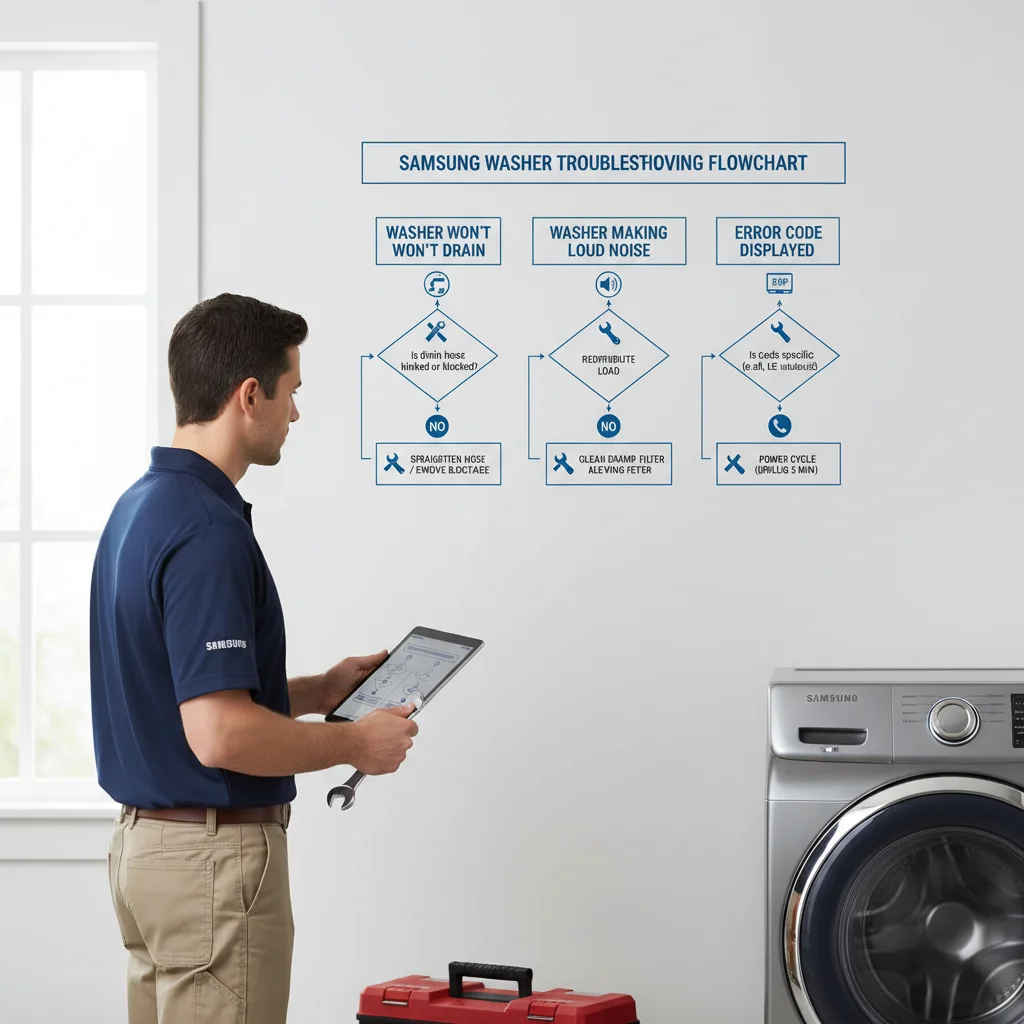
DIY troubleshooting steps you can try first
Beyond addressing specific error codes or noises, there are several general troubleshooting steps you can apply to almost any Samsung washer problem. These are often overlooked but can solve many minor glitches.
- Power Cycle Your Washer: Just like restarting a computer, a power cycle can often reset the washer’s internal electronics and clear temporary errors.
- Unplug the washer from the wall outlet.
- Wait for at least 1-5 minutes. This allows any residual electrical charge to dissipate.
- Plug the washer back in.
- Try running a cycle again.
- Check Water Supply and Hoses: Even if you’re not getting a 4C error, ensure your water supply is adequate.
- Make sure both hot and cold water supply valves behind the washer are fully open.
- Inspect the hoses for any visible kinks, crimps, or damage.
- Clean the inlet screens (small mesh filters) where the water supply hoses connect to the back of your washer. Turn off the water supply first, then disconnect the hoses and use pliers to pull out the screens for cleaning.
- Ensure the Washer is Level: An unlevel washer not only makes excessive noise and vibrates but can also lead to issues with proper drainage and spinning.
- Use a spirit level (a carpenter’s level) to check the top of your washer from front to back and side to side.
- Adjust the leveling feet at the bottom corners of the machine. Twist them up or down until the washer is perfectly level and stable. Lock the feet in place with their respective nuts if present. Wiggle the machine to ensure it doesn’t rock.
- Review Detergent Usage: Using too much detergent, or the wrong type of detergent (non-HE in an HE machine), can cause excessive suds, which can interfere with sensors, drainage, and even cause clothing to remain dirty.
- Always use high-efficiency (HE) detergent for HE washers, and follow the manufacturer’s recommendations for quantity. More is not always better.
- Clean Your Washer Regularly: A dirty washer can harbor mildew and lead to problems.
- Run a “Self Clean” or “Tub Clean” cycle if your Samsung washer has one. If not, run an empty hot water cycle with a cup of white vinegar or a specialized washing machine cleaner.
- Wipe down the door gasket (especially for front-loaders) to prevent mold and mildew buildup. This is particularly important in our humid coastal areas of San Diego.
These initial DIY steps can resolve a surprising number of washer problems without needing professional intervention. For many homeowners, a simple check of their appliance leads to a quick fix. You can find more general tips for resolving common issues on our main page for washing machine repair in San Diego.
When it’s time to call a professional for Samsung washer repair
While many Samsung washer problems have simple DIY solutions, there are times when calling a professional appliance repair technician is the safest and most cost-effective choice. Knowing when to escalate from troubleshooting to professional service can prevent further damage to your machine and your home.
Here are clear indicators that it’s time to contact Repair Pro San Diego:
- Persistent Error Codes: If an error code reappears even after you’ve tried all the recommended troubleshooting steps, it suggests a deeper, more complex issue. This could involve faulty sensors, control boards, or other internal components that require specialized diagnostic tools and expertise.
- Water Leaks You Can’t Locate or Stop: Any uncontrolled water leak is a serious concern. If you’ve checked all hose connections and cleaned the drain filter but water is still pooling around or under your machine, turn off the water supply and power immediately. Leaks can cause significant water damage to your floors, cabinets, and even structural elements of your home. A professional can quickly identify the source, whether it’s a cracked tub, a faulty pump, a damaged seal, or a compromised hose, and fix it properly.
- Burning Smells or Electrical Issues: If you smell burning plastic, rubber, or electrical components, or if you see sparks, immediately unplug the washer. This indicates a serious electrical fault or overheating component, which poses a fire hazard. Do not attempt to operate or repair the machine yourself in this situation.
- Washer Not Turning On or Responding: If your Samsung washer is completely dead (no lights, no response to button presses) after confirming it’s plugged into a working outlet and the circuit breaker hasn’t tripped, it’s likely an electrical component failure (e.g., main control board, user interface board, motor control board). These are complex and require professional diagnosis.
- Excessive Noise or Vibration Despite Balancing: If your washer continues to make loud grinding, screeching, or thumping noises, or vibrates violently even after you’ve balanced the load and leveled the machine, it could indicate worn-out bearings, a failing motor, or damaged suspension components. These repairs are intricate and best handled by trained technicians.
- Inability to Access or Repair Components: Some repairs require disassembling parts of the machine that aren’t easily accessible to the average homeowner, or they involve tools you might not have. If you’re uncomfortable opening up your machine, or if the repair seems beyond your skill level, it’s always best to call a professional. Reputable appliance repair companies are registered and insured, protecting you from accidental damage or injury. You can always check a company’s registration with the BHGS lookup tool.
Attempting complex repairs without the proper knowledge or tools can void your warranty, lead to more expensive damage, or even cause injury. When in doubt, a professional assessment provides peace of mind and often a quicker, more reliable solution.
Frequently asked questions
What does a Samsung 5C or 5E error code mean?
It means the washer can’t drain. The most common cause is a clogged drain pump filter, which collects lint, coins, and small items over time. The filter is behind a small access panel on the lower front of the machine. Drain the residual water through the small hose first, then remove and clean the filter. A kinked drain hose is the other likely cause.
Why does my Samsung washer show a 4C error code?
The 4C code means the washer isn’t getting enough water. Check that both the hot and cold supply valves behind the machine are fully open, then inspect the hoses for kinks. The mesh inlet screens where the hoses connect to the washer can clog with sediment. Turn off the water, disconnect the hoses, and clean the screens with an old toothbrush.
What causes a Samsung front-load washer to vibrate badly during spin?
An unbalanced load is the most common cause. Heavy items like towels or jeans clump to one side and throw the drum off. Pause the cycle and redistribute the clothes evenly, then restart. If the machine vibrates even with balanced loads, check that all four leveling feet are in firm contact with the floor and locked in place.
When should I call a professional for Samsung washer repair instead of troubleshooting myself?
Call a technician if an error code returns after you’ve followed all the recommended steps, if there’s a water leak you can’t trace to a hose or the filter, or if you smell burning or see sparks. Those symptoms point to a faulty pump, control board, drum bearings, or an electrical fault. The technicians in our network carry diagnostic tools and common Samsung parts, so most repairs are completed on the first visit.
When to call us
When your Samsung washer has seen better days and DIY fixes aren’t cutting it, it’s time to bring in the experts. The technicians in our network provide washing machine repair San Diego services throughout San Diego County. Don’t let a broken washer disrupt your home any longer. Call us at (858) 988-7787 and we’ll get you matched with a technician.